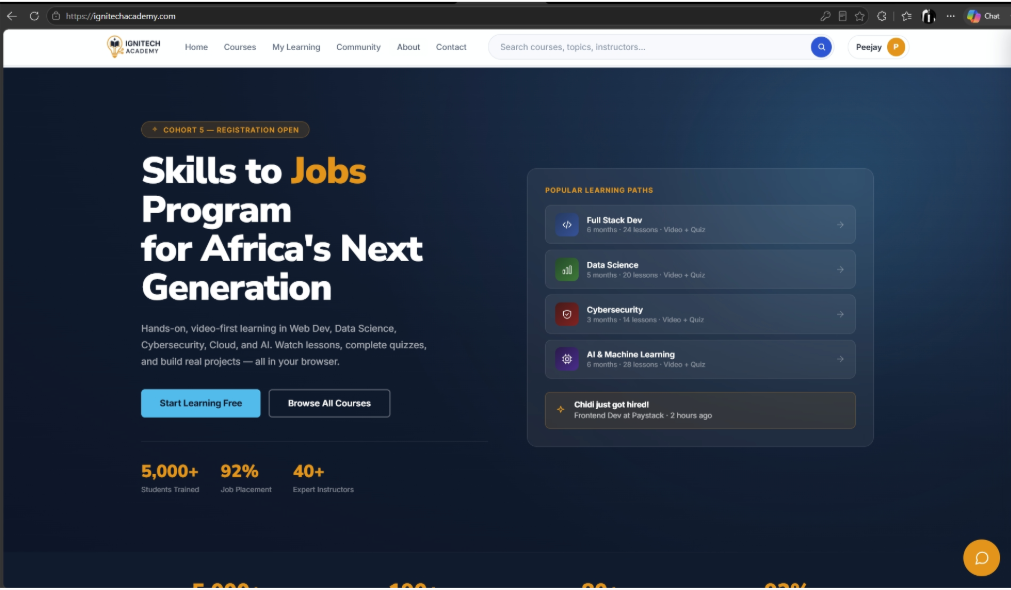
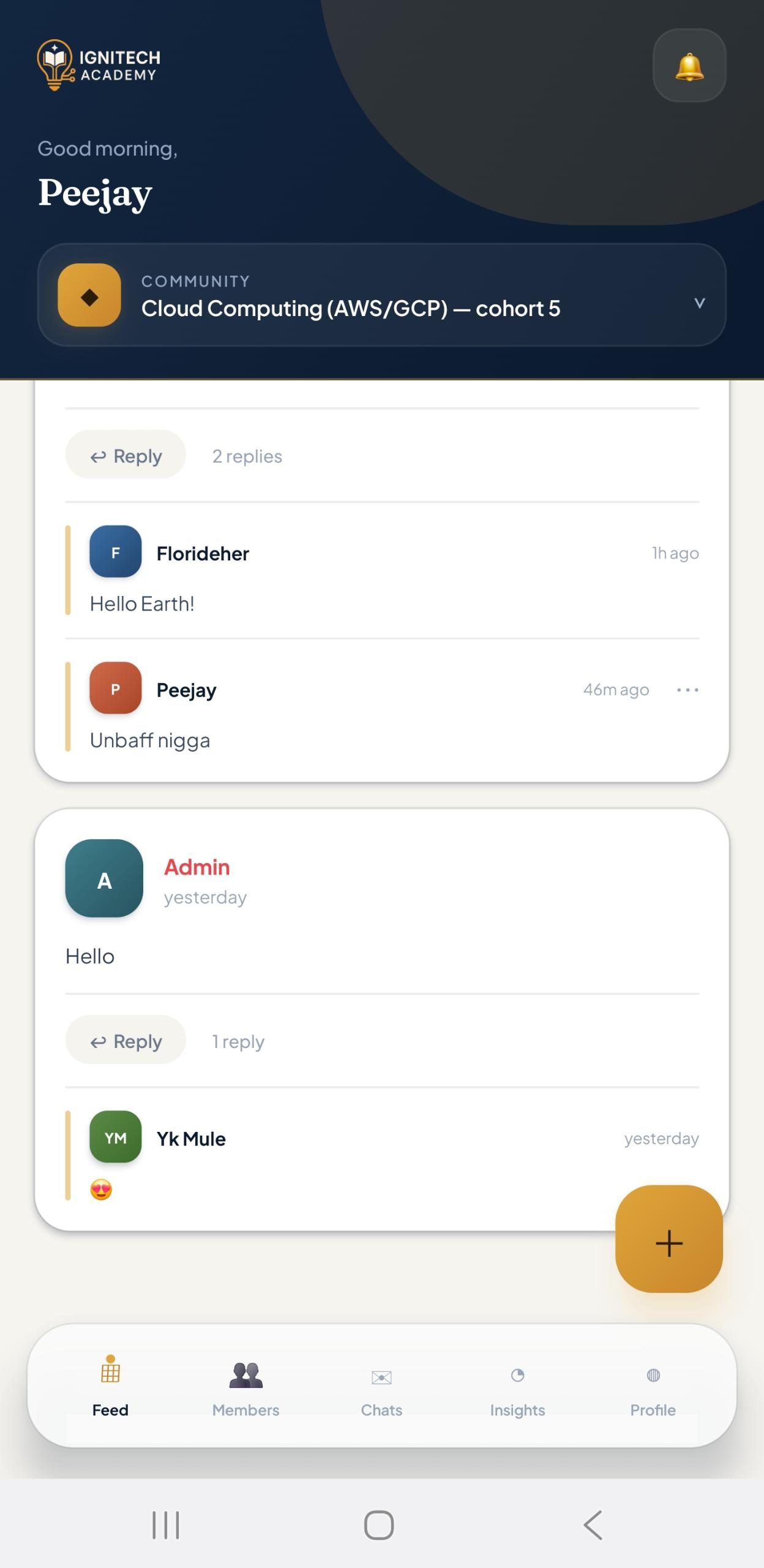
We added a consistent hamburger-and-slide-in-drawer system across the LMS and static pages, respecting the signed-in and signed-out states on the main app, and using cross-page links on about and contact. The admin CMS, which already collapsed its own layout, got lighter tuning: full-width tappable header buttons, hidden labels on narrow screens, and an icon-only profile button. The certificate page got stacked action buttons and responsive text.
For the certificate PDF, we rewrote the print styles to force landscape, prevent content from breaking across pages, and fit everything onto one, using about 60% of the page with comfortable headroom. Then we fixed the Chrome quirk that drops CSS background images from printouts, so the bulb logo and watermark now render correctly, and reverted an over-aggressive font/margin compression so the print matches the on-screen design exactly.
-
Hamburger nav, five pages
Consistent slide-in drawer that respects auth state and cross-page links.
-
Supabase certificate verifier
Public page fetches name, course, and date and reveals a verified certificate.
-
Single-page landscape print
Rewrote print CSS so the PDF never breaks across pages.
-
The logo print fix
Forced Chrome to keep the CSS-background bulb logo and watermark in printouts.
-
Role-based admin CMS
Owner and tutor roles, set to noindex, with a mobile-tuned header.
-
No-framework front end
Vanilla HTML/CSS/JS on Supabase + Vercel, fast, lean, and easy to maintain.